

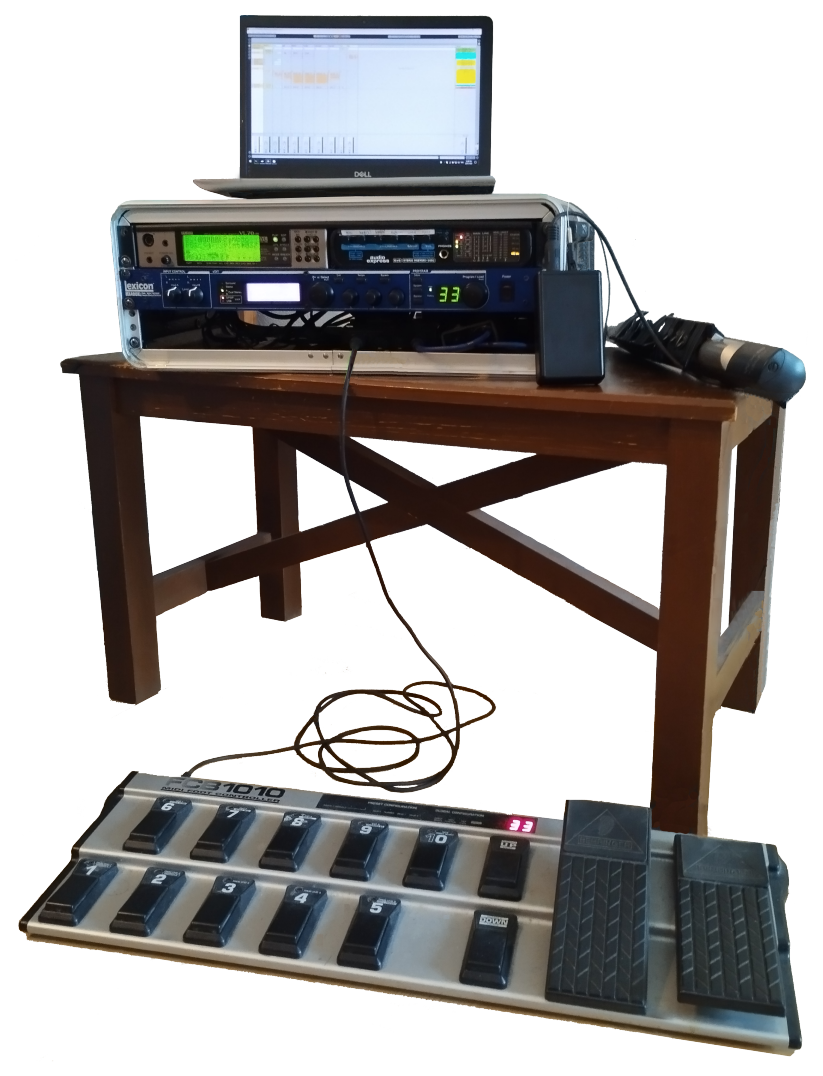
Once you've got everything set up, it would be wise to backup your configurations.
Backing up the VL70‑m
I use the venerable MIDI-OX to receive Sysex dumpsRecording these in my DAW (Reaper) seems to work, but saving them in a file puts them in a MIDI wrapper. Loading them back in and sending them to the device would probably work, but saving the raw stand-alone Sysex data would seem to make more sense..
From the main menu, choose View | Sysex..., and then Sysex | Receive manual dump...
In the VL70‑m, go to the UTILITY page and choose DUMPOUT. There are 4 things that can be dumped:
- system settings
- current patch (not needed)
- custom patches (not needed)
- internal patches (your patch configurations)
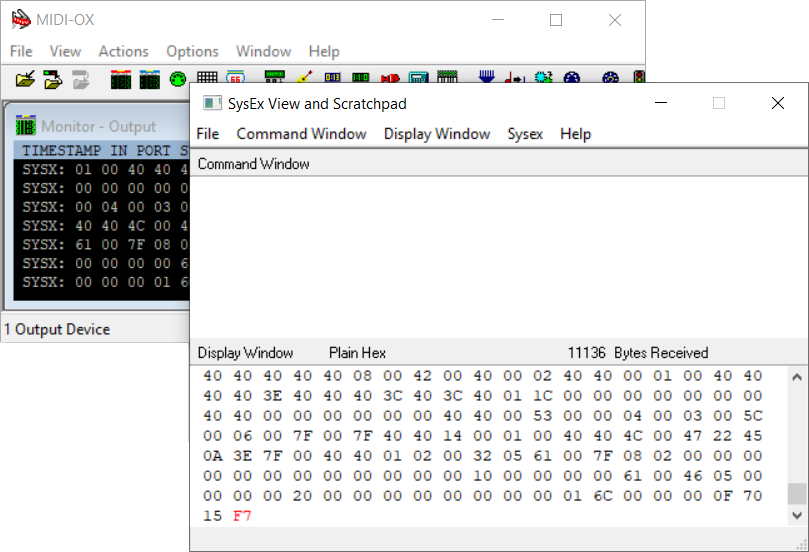 Choose what you want to dump, and you should see the data being received in the MIDI-OX window. When the VL70‑m has finished sending the data, click Done and save the .syx file (Display Window | Save As...).
If there are problems, you can try slowing down the rate at which the VL70‑m sends the data, by pressing , choosing SYSTEM, and setting DumpIntrval to 300This is the number of milliseconds the VL70‑m will delay for between sending blocks of data, so larger numbers mean slower transfer..
Backing up the FCB1010
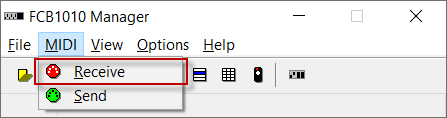 The Mountain Utilities program can be used to easily backup the FCB1010 configuration.
Note that the resulting .syx file contains the configuration data; the .fcb file contains the banks and preset names, if you have configured them.
Backing up the Lexicon MX400
Unfortunately, there doesn't seem to be any way to do this. I keep a text file that records which factory patches are stored in each user slot, and try to keep customizations of these patches to a minimum.


