

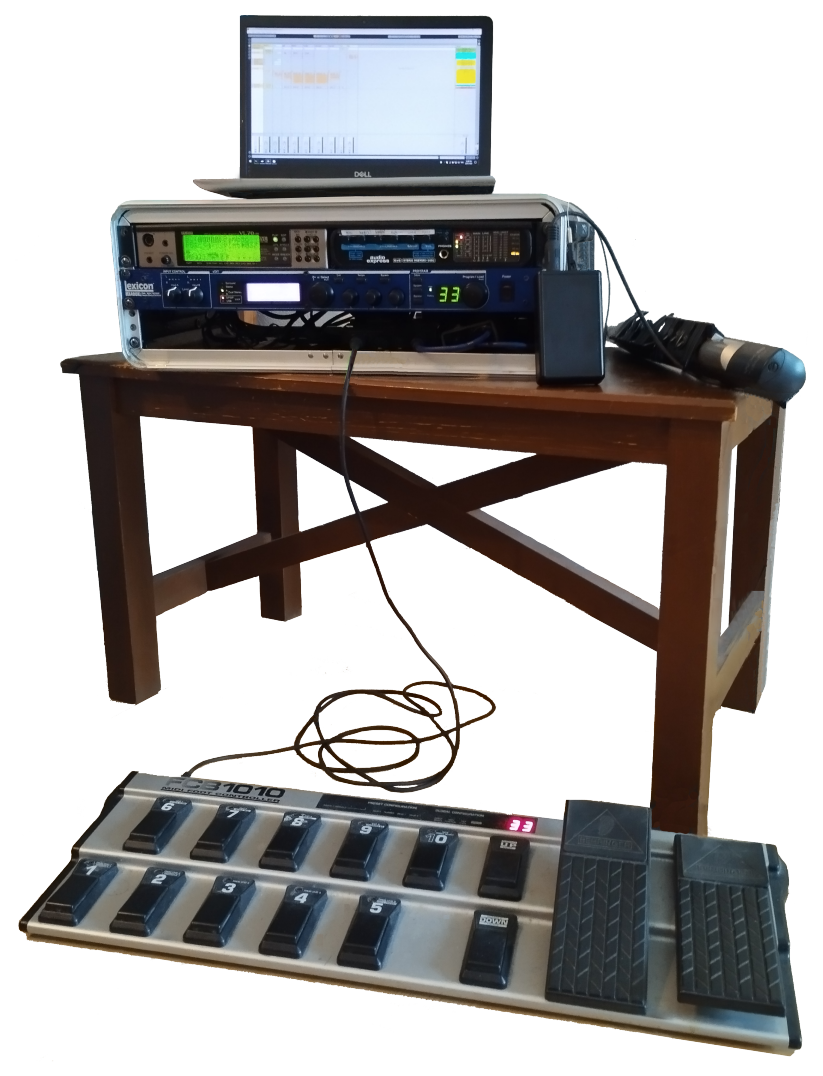
Setting up the Lexicon MX400 effects processor
I use a Lexicon MX400 for better reverb and delay than the ones the VL70‑m hasThis means turning off reverb/delay in the VL70‑m's patch, which can be done by pressing the button and setting them to NO EFFECT., plus a few other effects e.g. pitch-shifting.
It can be configured to operate in several ways, but I run it in Dual Stereo mode (that is, 2 independent effects units):
- press
- use the big Page/Select knob to scroll through the settings
- set Configuration to Dual Stereo
- press again to exit

Browse through the factory patches, find ones you like, then save them in one of the 99 available user slots:
- press
- set the name of the user patch, then press again
- use the Program/Load knob to select which slot you want to save to
- press again to save the patch



